| Key Takeaways |
|---|
| Customizing your computer to your specific needs can greatly enhance your computing experience, whether for gaming, productivity, or creativity. |
| Choosing the right components is crucial for performance and compatibility, affecting everything from speed to the ability to upgrade in the future. |
| Personalizing the design of your PC not only adds an aesthetic touch but also ensures the functionality suits your workspace and style. |
| Software installation and the selection of peripherals are vital steps to make your computer truly yours, impacting both usability and performance. |
| Maintaining and upgrading your tailor-made PC ensures it continues to meet your needs well into the future, making it a wise long-term investment. |
Tailor-Made Computers: Your Dream PC Awaits
Introduction
In today’s fast-paced world, a one-size-fits-all solution rarely meets everyone’s needs. This is especially true when it comes to personal computers. A tailor-made computer, designed to perfectly suit your specific requirements, can significantly enhance your productivity, entertainment, and technological satisfaction. This article outlines the steps to navigate the journey of creating your dream PC.
Step 1: Identify Your Needs
Firstly, consider what you primarily intend to use your computer for. Whether it’s gaming, multimedia creation, productivity tasks, or academic research, understanding your primary use will guide the level of performance and customization you’ll require. For each purpose, there’s a different set of specifications that will best suit.
Step 2: Choose the Right Components
When embarking on the journey of building a custom PC, selecting the appropriate components is (CPU, GPU, RAM, storage) essential to meet your needs while ensuring compatibility and optimum performance. It’s a balance between power, price, and future-proofing.
Step 3: Consider All-in-One or Desktop PCs
Deciding between an all-in-one and a desktop PC involves analyzing the trade-offs in desk space, expandability, and aesthetics. All-in-one PCs offer a sleek design and take up less space, but desktops provide more flexibility for upgrades and customizations.
Step 4: Customize the Design
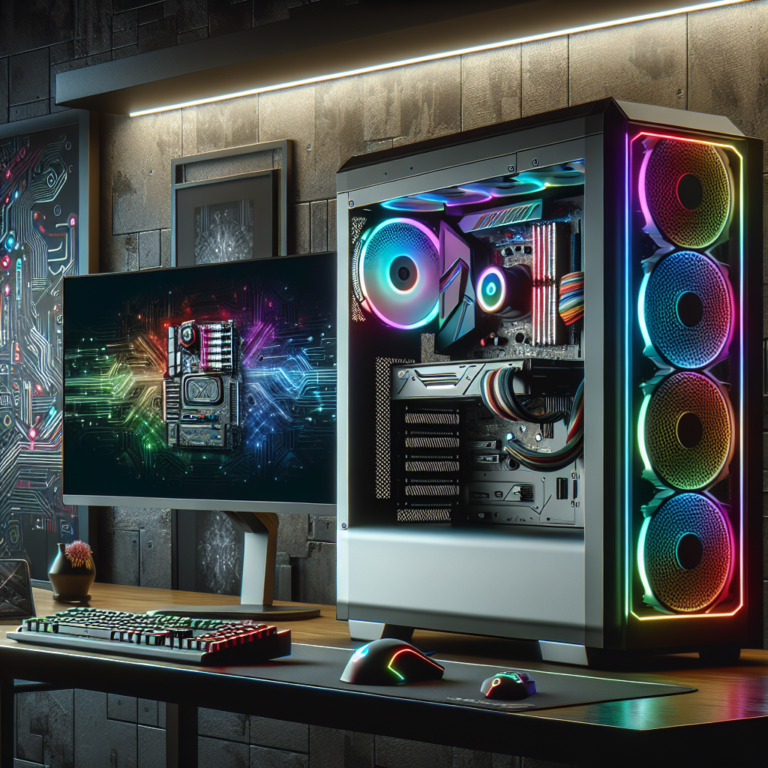
Next, consider the aesthetics and functionality of your computer case. From personalized colors and lighting to choosing a design that compliments your workspace, the external appearance of your PC can be as important as its performance.

Step 5: Install and Set Up Software
The choice of operating system, drivers, and essential applications is crucial for ensuring your PC runs smoothly. Moreover, regular updates are vital for security and performance.
Step 6: Select Peripherals
Keyboards, mice, monitors, and other accessories enhance the functionality and ergonomics of your setup. Ensuring compatibility and considering personal comfort can make a significant difference in daily use.
Step 7: Test and Optimize Your Tailor-Made PC
After assembling your PC, ensure all components work seamlessly together and tweak settings for optimal performance. This might involve overclocking your CPU or adjusting your display settings to match your prefered visual quality.
Conclusion
Owning a tailor-made computer means having a machine that perfectly aligns with your needs and preferences. It allows for future upgrades, reflects personal style, and, most importantly, it can evolve as your needs change. Maintain and upgrade your custom PC regularly to ensure it continues serving you well.
For further guidance, take a look at building your dream machine with Stamford Computer Pros and explore our tips for maximizing your PC’s performance. Dive into the world of tailor-made PCs and discover the joy and satisfaction of using a computer that’s uniquely yours.